Practical AI systems for small businesses
We design, build and support AI-assisted workflows that reduce manual work, speed up customer response and make everyday operations easier to manage.
No hype. No unnecessary platform rebuild. We start with the process, define where AI can help, and keep people in control where judgment matters.
Review · Prototype · Development · Integration · Support
Controlled workflow
From signal to safe action
Research series · 5 articles
The economics of useful AI
A practical sequence for budgeting AI work, managing context, choosing models, measuring efficiency and controlling agent costs.

Part 1 of 5
Is the token the new currency of AI? Measure the work, then the outcome
Understand what an AI token price measures, what it misses and how to budget for accepted work instead of raw model usage.
Read article
Part 2 of 5
A context window is not free memory
Learn when a longer prompt helps, why context replay costs money and how to compare full context, retrieval, summaries and caching.
Read article
Part 3 of 5
Choose a model for the job, not for the leaderboard
A task-first method for choosing AI models and routing agent work without mistaking token price for business efficiency.
Read article
Part 4 of 5
What does AI efficiency actually mean?
Define AI efficiency with accepted quality, elapsed time, full cost, risk and the burden placed on the team.
Read article
Part 5 of 5
The full cost of an AI workflow: agents, tools, people and control
Make agent budgets real by counting loops, tools, retries, human decisions, failure handling and ongoing governance.
Read article
Operating series · 11 bilingual articles
Small-business AI, one decision at a time
Six new workflows and five continuations cover customer service, finance, inventory, team rules and bounded AI actions. Each article includes a decision diagram and a working artifact.
New workflow · 1 of 11
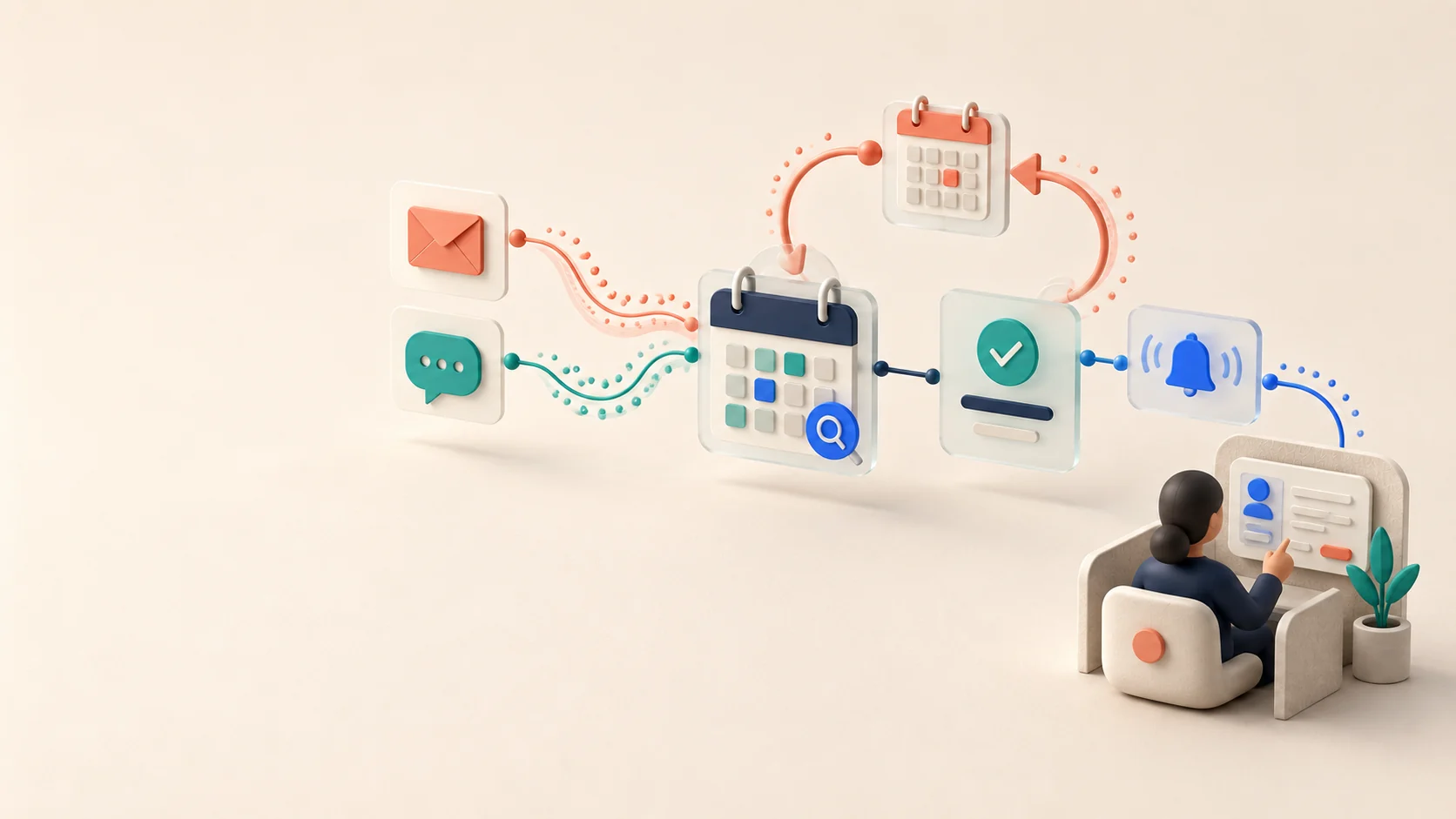
From First Enquiry to Confirmed Booking
Design a controlled path from a customer's first enquiry to a verified booking, reschedule and reminder.
Read article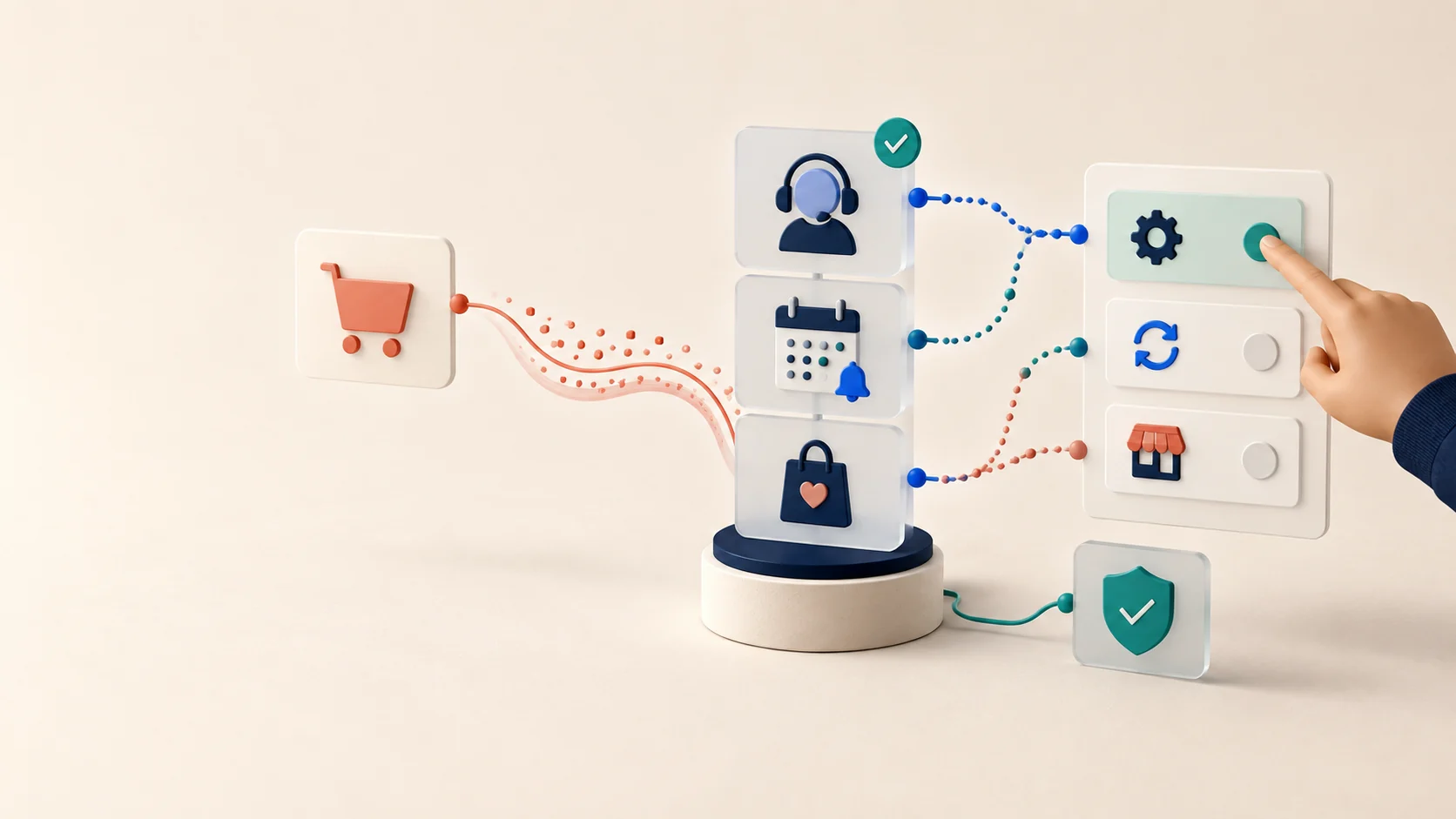
New workflow · 2 of 11
Useful Contact After the Purchase
Choose useful, permission-aware customer contact after a purchase and measure repeat value without relying on mass AI messages.
Read article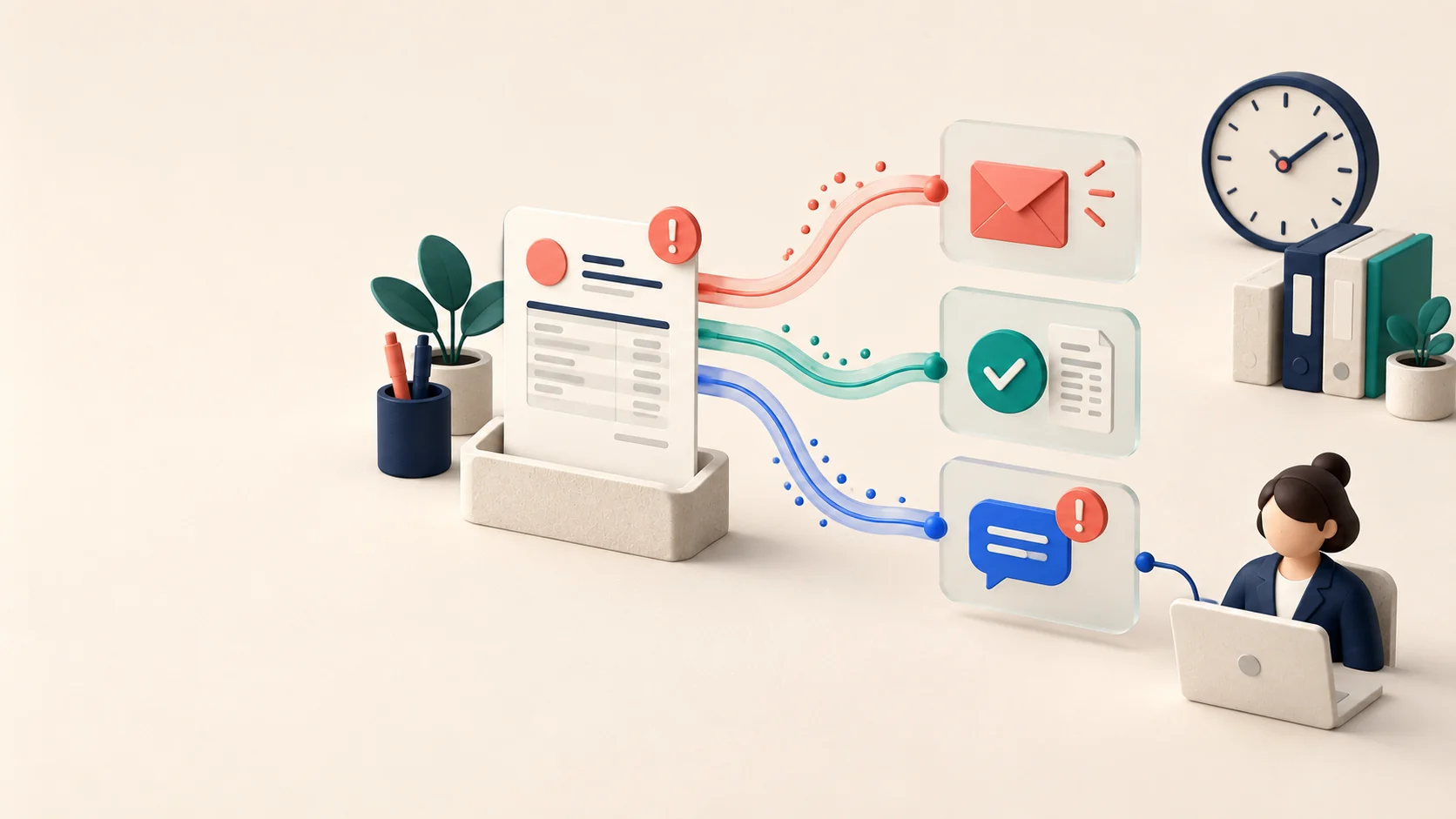
New workflow · 3 of 11
Overdue Invoice Decision Path
Use AI to prepare and route overdue-invoice work while keeping balances, disputes and customer treatment under accountable control.
Read article
New workflow · 4 of 11
Forecasting With Sparse Inventory Data
Test whether a demand forecast improves replenishment decisions when a small retailer has limited and uneven data.
Read article
New workflow · 5 of 11
AI Rules for a Small Team
Set practical AI-use rules for a small team: tasks, data, approved tools, review and error reporting.
Read article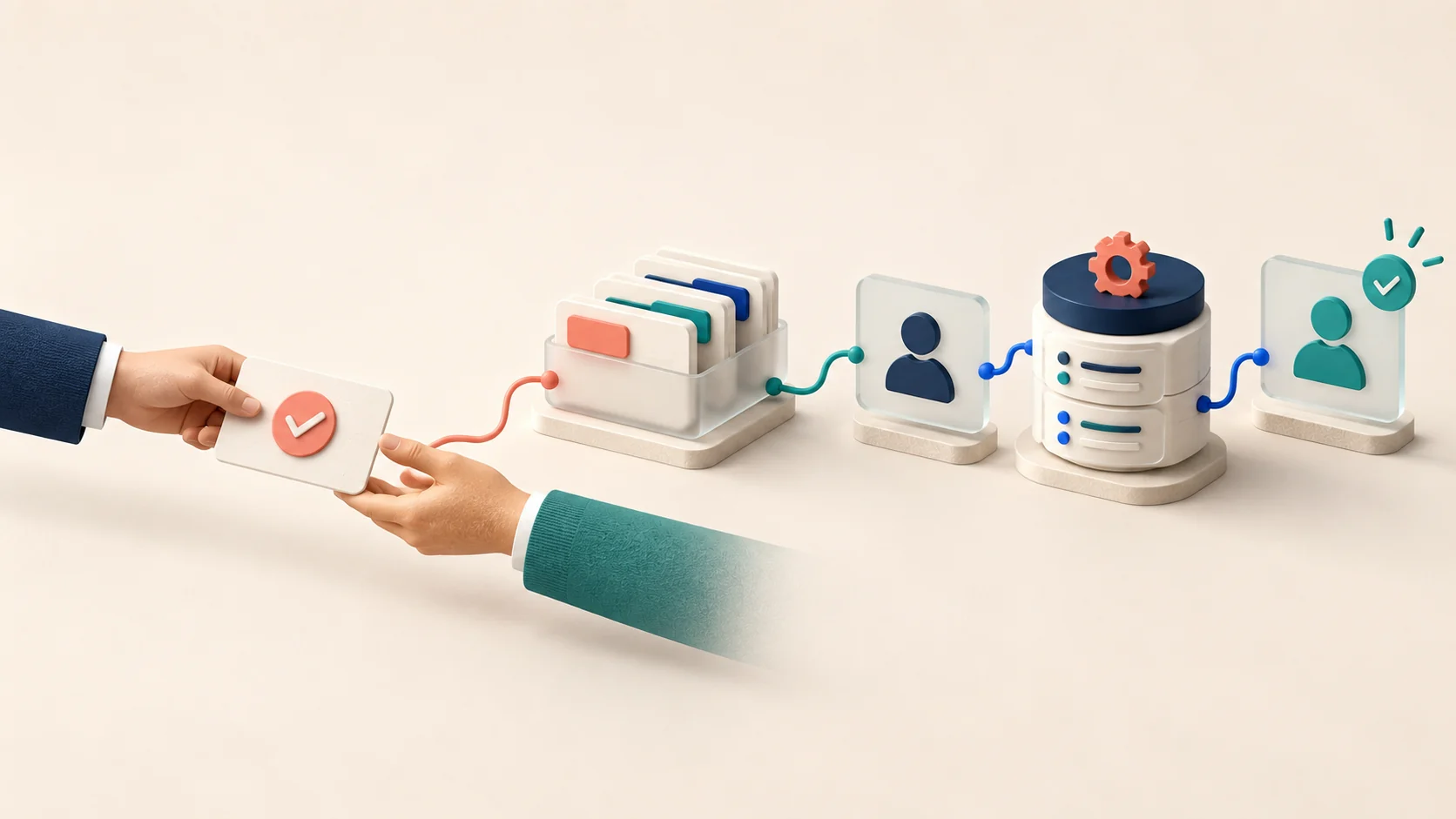
New workflow · 6 of 11
From Signed Deal to First Value
Turn a signed deal into a complete, owned onboarding handoff and a verified first outcome for the customer.
Read article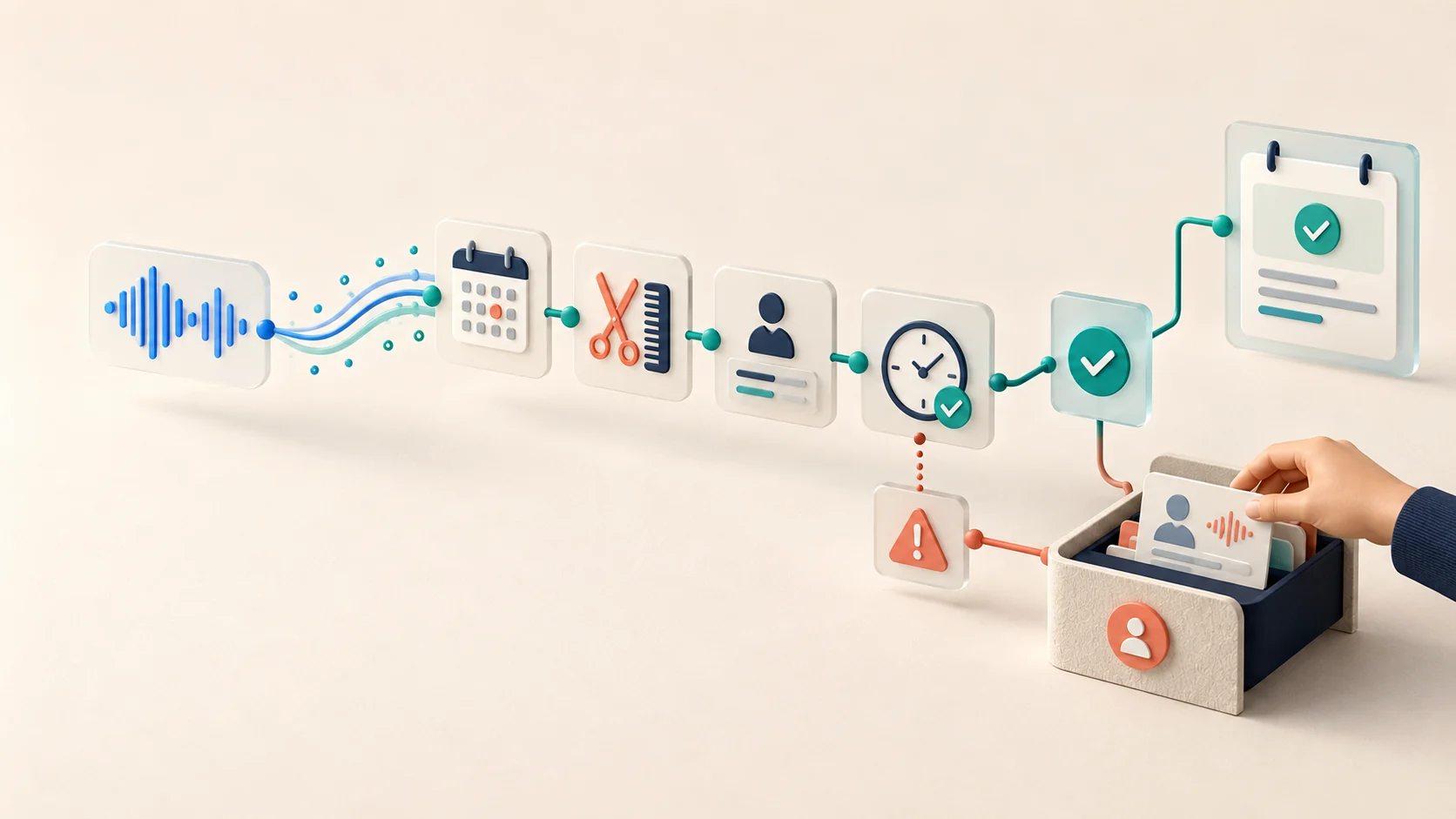
Focused continuation · 7 of 11
Voice Booking Launch Gate
A task-specific acceptance gate for voice booking that tests recognition, identity, confirmation and recovery before launch.
Read article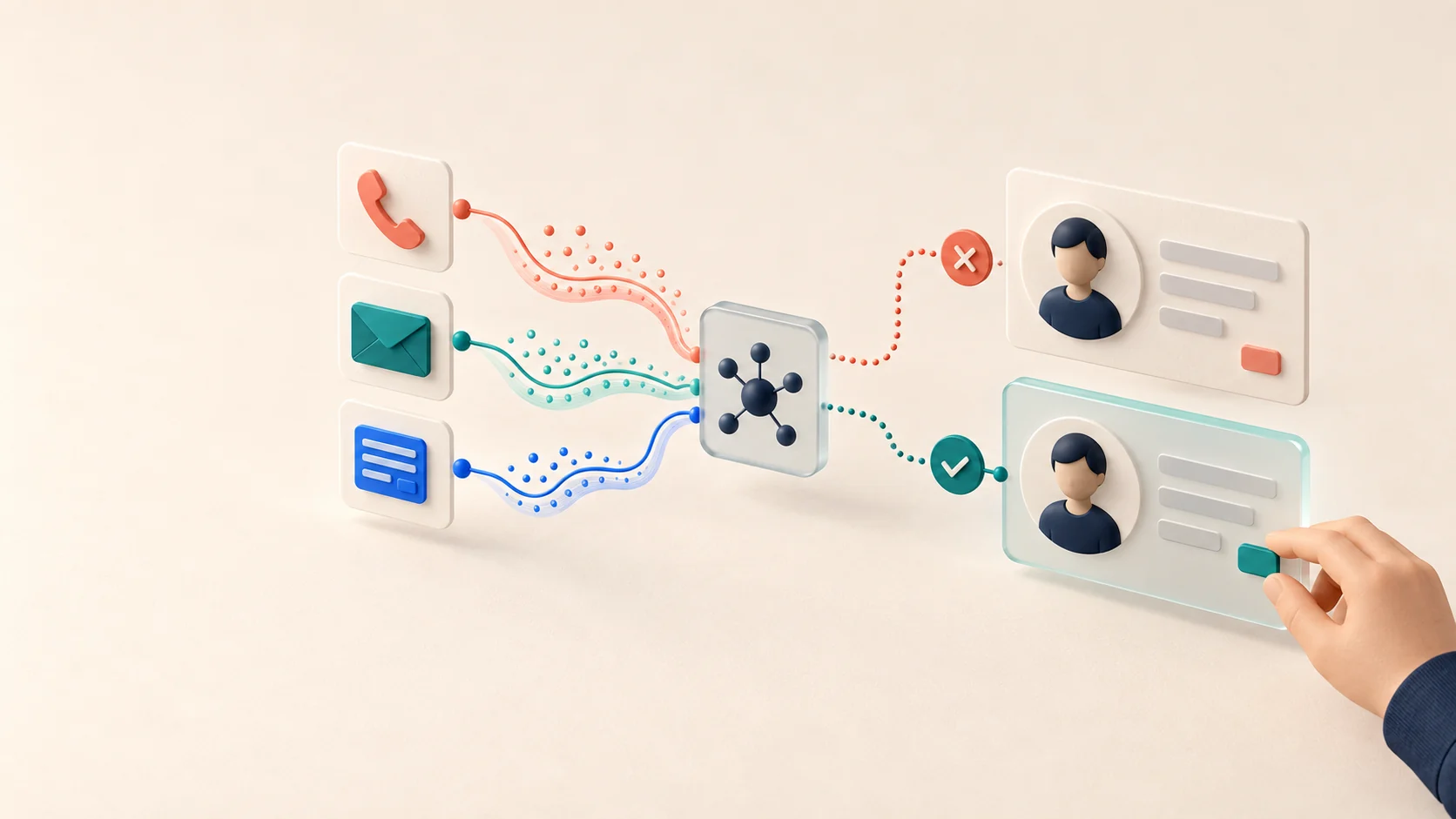
Focused continuation · 8 of 11
Resolve Identity Before Updating CRM
Prevent wrong-account CRM updates by resolving identity and reviewing field-level evidence before an AI-assisted write.
Read article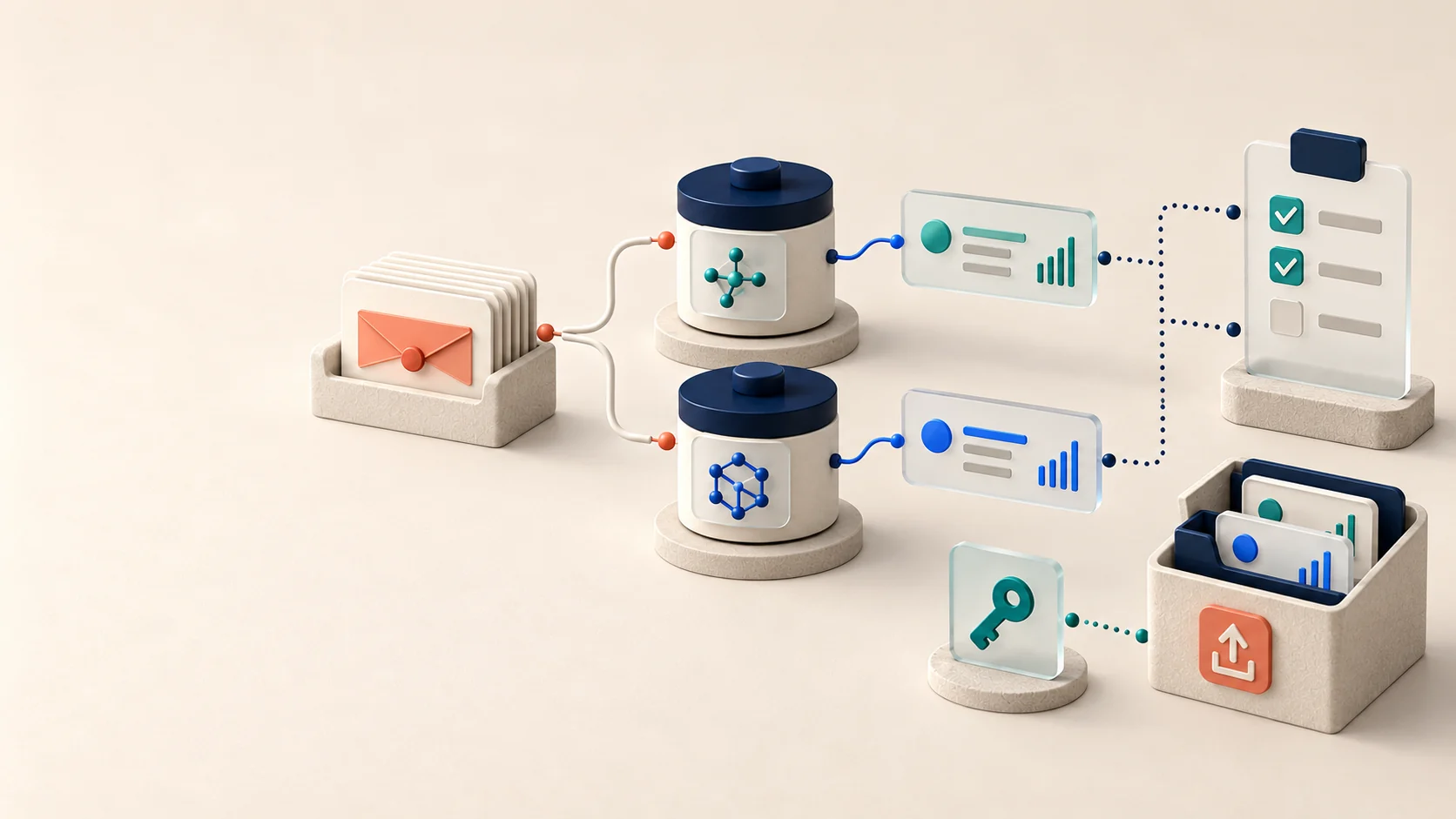
Focused continuation · 9 of 11
A Fair AI Vendor Trial
Compare two AI suppliers on the same cases, permissions, verified outcomes, export test and operating cost.
Read article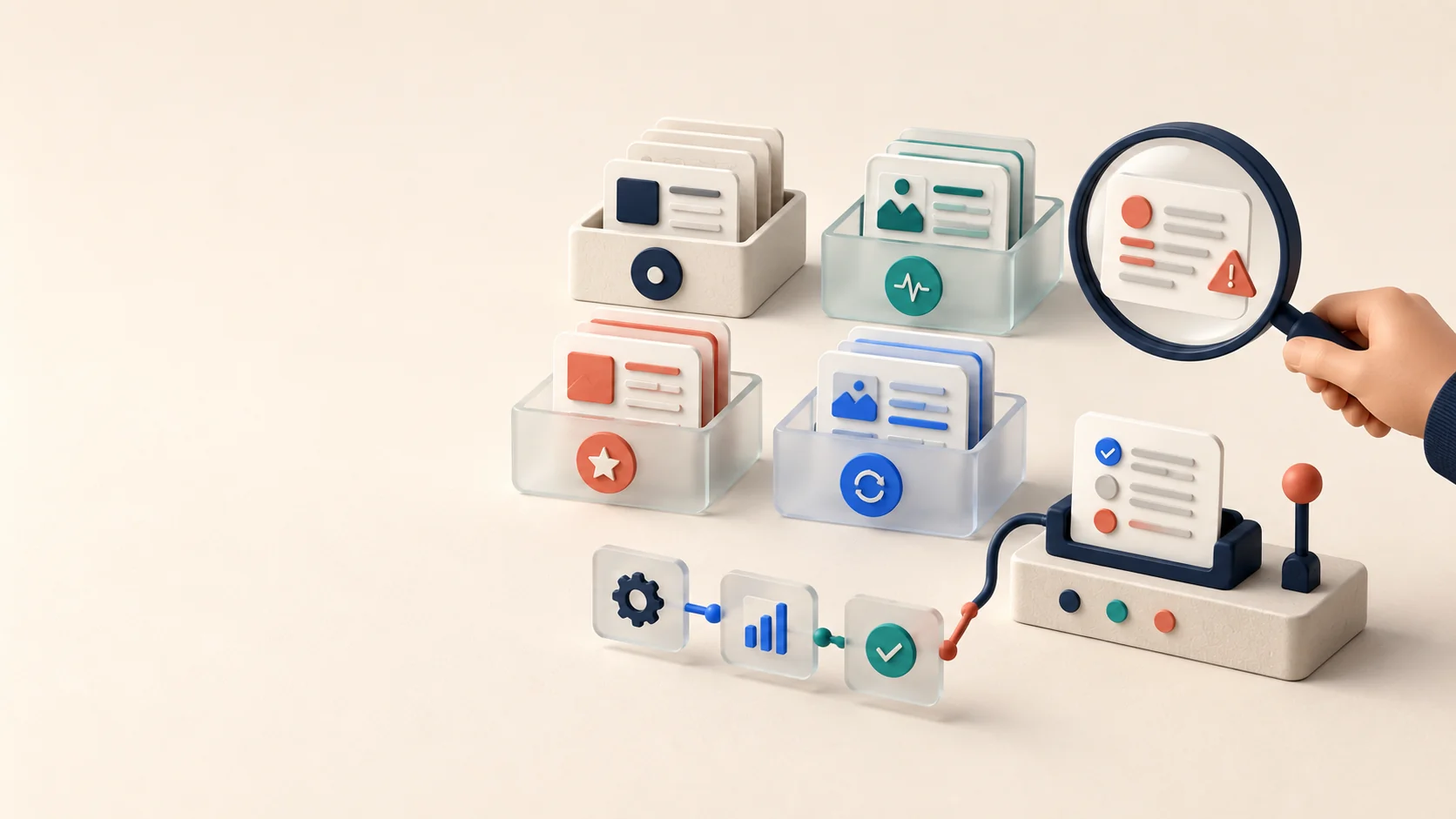
Focused continuation · 10 of 11
Evaluate AI With Few Real Cases
Evaluate a narrow AI workflow with few real cases while stating clearly what a small sample cannot prove.
Read article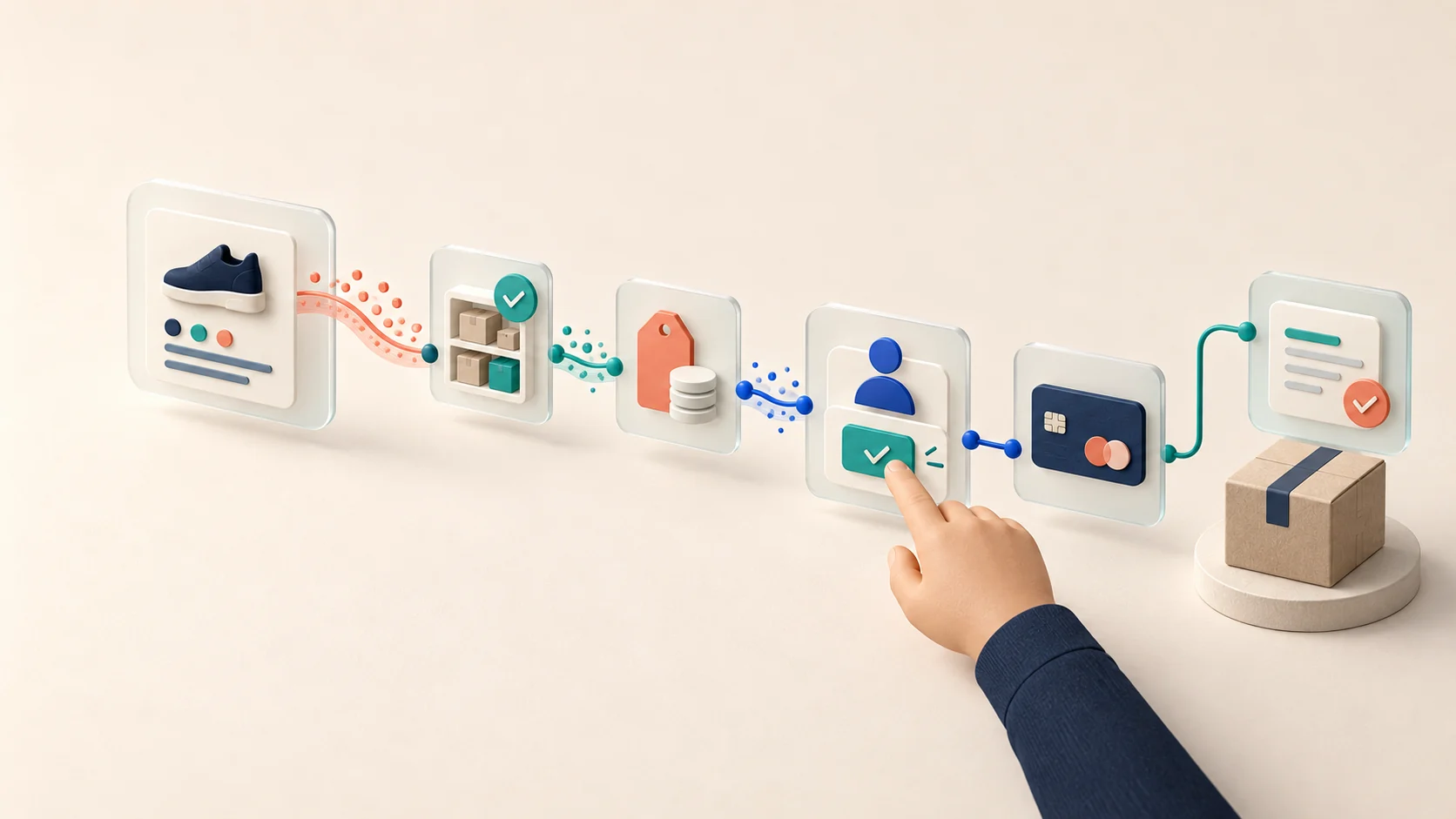
Focused continuation · 11 of 11
From AI Recommendation to Order
Separate AI product discovery from stock reservation, customer confirmation, payment and verified order execution.
Read article
Start with the operational problem
AI should improve a real workflow—not become another disconnected tool.
Look for repeated work, delayed responses, missing context and fragile handoffs before choosing a model or platform.
Customer enquiries arrive through several channels and some are missed.
Employees repeatedly copy information between email, spreadsheets and a CRM.
Customers wait too long for an initial response.
Proposals, summaries or routine documents are recreated from scratch.
Company knowledge is scattered across files, inboxes and individual employees.
AI tools produce inconsistent results and remain disconnected from daily work.
An automation fails when an API, prompt or business rule changes.
Systems we can design and build
One complete process, not a collection of AI features
Each system starts with an operational outcome and makes the human-control boundary explicit.
Customer communication
Turn incoming email, website forms or messages into a structured, reviewable workflow.
- Classify and route enquiries.
- Extract dates, locations, requirements and missing details.
- Prepare a response in the customer’s language.
- Create a consistent follow-up task.
Human control: Sensitive, unusual or high-impact cases are escalated to a person.
Sales and lead management
Connect the first customer message to the next useful commercial action.
- Create or update CRM records.
- Qualify leads using agreed business rules.
- Prepare proposal drafts.
- Schedule reminders and summarise history before a conversation.
Human control: Pricing, commitments and important commercial decisions remain under human control.
Internal AI assistants
Help employees find and use trusted company knowledge.
- Search policies, procedures and product information.
- Answer internal questions with source references.
- Prepare onboarding guidance.
- Identify when the available information is incomplete.
Human control: The assistant shows sources, respects access rules and says when it does not know.
Documents and operations
Reduce repetitive document handling without hiding the underlying process.
- Extract structured data from incoming documents.
- Validate required fields.
- Prepare routine reports, summaries or forms.
- Route exceptions for manual review.
Human control: Important steps remain auditable and exceptions follow a documented review path.
Reporting and management
Turn operational data into a clearer management view.
- Produce recurring operational summaries.
- Identify delayed or incomplete work.
- Group recurring customer issues.
- Prepare a brief with links to the underlying data.
Human control: Managers verify context and make decisions; the system organises evidence.
How I can help
Solve the bottleneck. Build the system. Keep control.
Lost enquiries, slow replies, manual coordination, scattered data and content that never gets published are business problems first. I find the bottleneck and build the smallest reliable system that changes the result.
The goal: recover time and opportunities, improve the customer experience and give the owner a clearer operating view.
Built on fundamentals, not fashion
- Process and service design
- Systems and data architecture
- Software engineering and security
- Measurement and operational reliability
- AI governance and human decision rights
Travel operations and client experience
Madeira Private Rides
When this is the problem
Enquiries, route details, customer messages, photos and follow-ups live in separate places. Each trip guide takes manual effort, the client experience varies and valuable first-party content is difficult to reuse.
What changes
One connected client journey—from the first enquiry and route design to a polished trip guide, faster follow-up and reusable destination content that supports organic discovery.
What I can build
- Structure pickup, route, timing, inclusions, price and driver information.
- Prepare consistent mobile-friendly, print-ready guides and multilingual messages.
- Turn approved, geotagged trip photos into ordered route stories and reusable content.
- Connect service operations with useful website and search content.
- Built on
- Customer journey mapping, service design, content modelling and multilingual UX.
- Human control
- The owner confirms availability, price, route safety, client promises and publication.
Live operations and data
Portugal Flight Data Monitor
When this is the problem
Flight data grows while operators still need fast screens, current alerts and predictable provider costs. Deep lists, duplicate synchronisation and dashboard-wide scans turn a useful monitor into an operational risk.
What changes
A responsive operational view with reliable background synchronisation, clear failure states and capacity controls—so the team can act on current information without waiting for the system.
What I can build
- Serve the monitor from PostgreSQL through a Fastify API, with REST for reads and SSE for controlled updates.
- Use cursor pagination, compact payloads and precomputed daily aggregates instead of loading complete datasets.
- Run synchronisation as bounded, idempotent jobs with locks, retries, progress and provider-budget controls.
- Measure latency, database pressure, queue health and failure rates with reproducible load tests.
Example design target: 250,000 active flight records, 5 million historical events and 20 concurrent operators; stress profile up to 1 million flights and 100 users.
- Built on
- Data modelling, concurrency control, performance engineering, fault tolerance and observability.
- Human control
- Paid provider calls, retries and manual synchronisation stay inside explicit cost and authority limits.
Content operations and promotion
Social media management and growth
When this is the problem
Strong expertise stays in drafts, publishing is sporadic and the same post is copied between platforms. Without a calendar, approval path or learning loop, promotion consumes time without building momentum.
What changes
A consistent content engine that turns verified expertise into discoverable, platform-native publishing and more qualified conversations with the right audience.
What I can build
- Research and verify topics before they enter the content calendar.
- Adapt one strong source into distinct posts for LinkedIn, X and other relevant channels.
- Coordinate drafts, assets, approvals, publishing slots and final status in one workflow.
- Review qualified engagement and improve themes, formats and distribution without chasing vanity metrics.
- Built on
- Positioning, editorial strategy, audience research, experimentation and measurement.
- Human control
- Final claims, sensitive replies, account access and publication policy remain under owner approval.
Product and software delivery
Custom web and mobile applications
When this is the problem
Spreadsheets, chats and fragile no-code connections can no longer hold the workflow safely. Information is duplicated, permissions are unclear and the team works around the tools instead of through them.
What changes
A purpose-built web or mobile application with a clearer interface, dependable data and less manual coordination—using AI only where it creates a real advantage.
What I can build
- Turn the problem into user journeys, requirements and a testable product scope.
- Design the interface, data model, APIs, integrations and access rules as one system.
- Build prototypes and production applications with tests, deployment and monitoring.
- Document ownership, recovery and the next improvements after launch.
- Built on
- Product discovery, interaction design, full-stack architecture, security and quality engineering.
- Human control
- Business rules, permissions and release decisions are agreed before the application receives real authority.
Decisions before development
AI, automation and architecture consulting
When this is the problem
The team has several AI ideas but no agreed priority, business case or safe authority boundary. Vendor proposals add tools before anyone has defined the process, evidence or success measure.
What changes
A defensible written decision: what to change, what to build or buy, where AI belongs, what must stay human and which small experiment should happen next.
What I can build
- Map the current process, bottlenecks, exceptions, decision rights and available evidence.
- Choose between rules, conventional automation, an AI assistant, a bounded agent or no automation.
- Compare build, buy and integration options across cost, risk, privacy and maintainability.
- Produce a written architecture, priority roadmap, acceptance criteria and next experiment.
- Built on
- Systems thinking, operations management, decision science, AI governance and economics.
- Human control
- Assumptions and trade-offs are made explicit; the final business decision remains yours.
Have a different system in mind?
Tell me where the workflow is losing time, customers or visibility. I will help clarify the problem before recommending technology.
Workflow example
From customer enquiry to controlled follow-up
This example architecture changes with the company’s rules, systems, data and risk level.
- 01
Customer inquiry received
- 02
Requirements extracted
- 03
Missing details identified
- 04
CRM record created or updated
- 05
Response draft prepared
- 06
Employee reviews and sends
- 07
Follow-up scheduled
- 08
Workflow logged and measured
Prices, promises and exceptions are reviewed by an employee before a response is sent. The workflow remains logged so response time, exceptions and outcomes can be measured.
Who this is for
Small service businesses where speed and context matter
The best first project is usually a frequent, rules-based workflow with a clear owner and a measurable starting point.
Tourism and transport operators
Hospitality and property services
Local service companies
Agencies
Small B2B teams
Businesses serving customers in more than one language
How we work
Reduce uncertainty before expanding the system
Each stage has a concrete output, a review point and a clear owner.
- 1
Workflow review
Map how the process works today, where time is lost, which exceptions occur and what should not be automated.
Output: Current-state workflow, opportunity map and initial success measures.
- 2
Solution design
Define the system boundary, integrations, business rules, human approvals, fallback behaviour and expected operating cost.
Output: Proposed workflow and implementation scope.
- 3
Working prototype
Test the highest-risk assumptions with representative examples before building the complete system.
Output: A working prototype and evidence about what needs to change.
- 4
Development and integration
Connect the agreed tools, implement the workflow, add validation and prepare the operational interface.
Output: A tested system in the target environment.
- 5
Launch and documentation
Introduce the system to its users, document ownership and define what happens when something fails.
Output: Production launch, operating guide and support plan.
- 6
Monitoring and improvement
Review quality, exceptions, operating cost and business results as the process changes.
Output: Prioritised improvements based on real usage.
Ways to work with us
Choose the smallest engagement that reduces the next risk
Projects are scoped after a workflow review. We do not recommend automation before understanding the process and its exceptions.
AI Workflow Review
A focused review of one business process to determine whether automation is useful, feasible and measurable.
Best when the friction is known but the right system is not.
Rapid Prototype
A small working system that tests one valuable workflow on representative data.
A well-defined prototype can often be tested within one to two weeks after scope and access are agreed.
Custom AI System
Design, development and integration of a complete workflow with validation, human review, logging and documentation.
Best for a frequent process with a clear owner and a measurable outcome.
Continuous Support
Ongoing monitoring, maintenance and improvement after launch.
Covers quality evaluation, integration maintenance, cost monitoring and prioritised improvements.
Reliable by design
Automation where it helps. Human control where it matters.
AI output is not treated as automatically correct. Reliability, ownership and fallback behaviour are part of the design.
- Critical actions require the right level of human approval.
- Important steps are logged and traceable.
- Errors and uncertain results have an explicit path.
- Only necessary data is shared with each service.
- AI and API costs are monitored.
- Quality is evaluated on representative examples.
- Essential workflows have a fallback when an AI provider is unavailable.
- Ownership is documented after launch.
What we measure
Define the baseline before claiming improvement
Measures are chosen before implementation and tied to the workflow being changed.
First-response time
Hours of repetitive work
Enquiries processed correctly
Missing or incomplete lead records
Proposal preparation time
Exception and correction rate
Operating cost per completed workflow
Cases requiring human review
Lead-to-next-step conversion
Find how businesses solved a similar problem
Start with work that is slow, inconsistent or easy to miss. Compare reviewed cases, reported outcomes, limitations and the point where a person remains responsible.
7 reviewed public cases · 500 records in the research set · Sources checked 27 August 2026
How we assess the evidenceShow how a working business system is built
Methodfield documents how practical systems are designed, tested and improved. This is not a client-results block or a perfect demo.
Follow the systems we build
Practical guide
Prioritise the Workflow Before You Choose the AI
The most impressive AI idea is rarely the best first project. Start with a named workflow, a visible baseline and a boundary the team can control.
Use six practical criteria to compare opportunities and choose whether to prepare, prototype, automate, keep the work human or stop.
Analysis
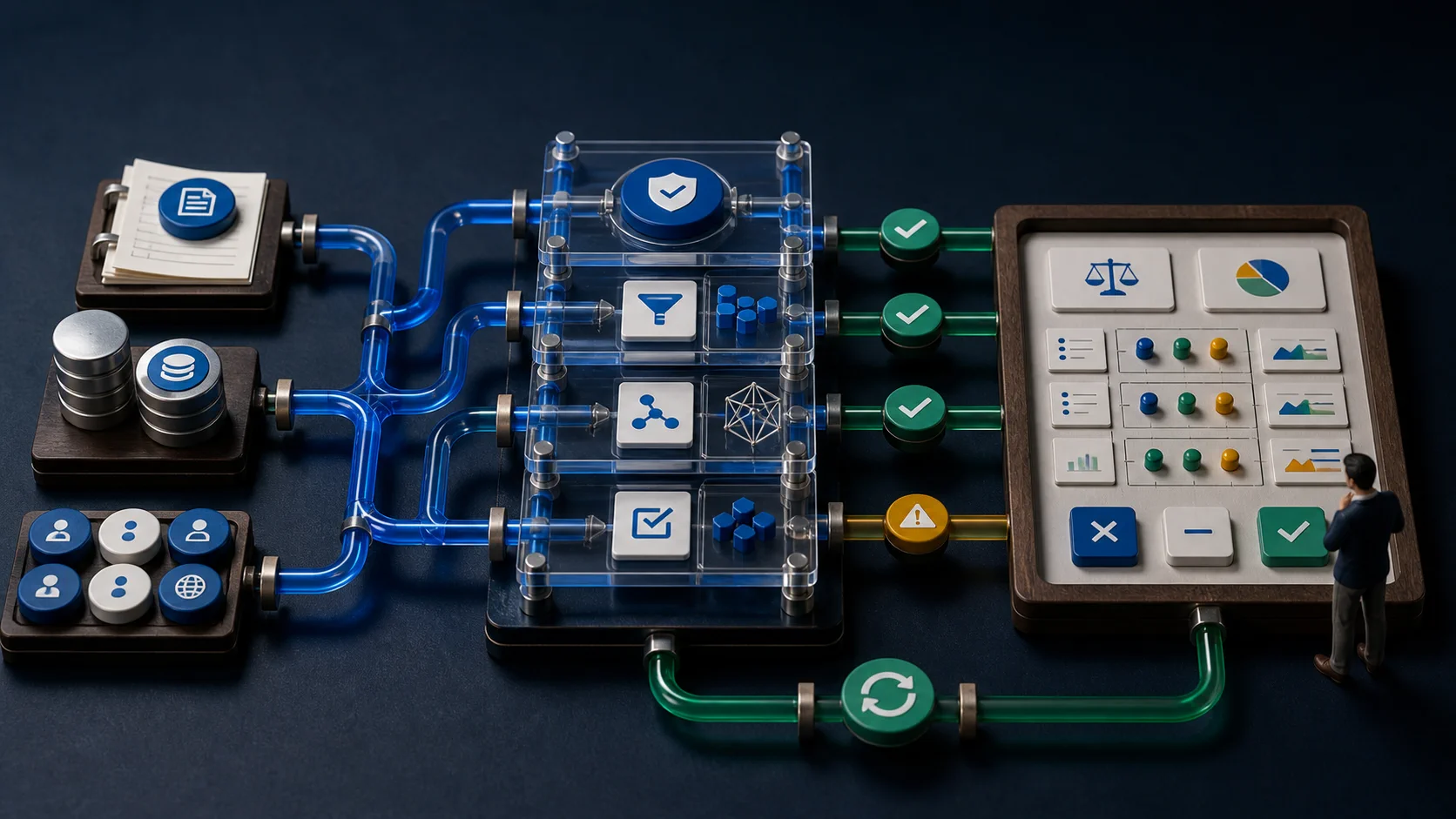
A Dashboard You Can Trust: Information for Real Decisions
A dashboard is not a gallery of charts. It is a repeated decision loop connecting a signal, context, accountable action and measured feedback.
Use the information model to expose source quality, business impact and causal evidence without collapsing them into one misleading score.
Practical guide
From Source to Screen: Dashboard Architecture and Platform Choice
A trustworthy number depends on the whole path from the system of record through tested data products and a semantic layer to an owned action.
Compare current BI platform fits and use eight gates to move from a fast prototype to a maintained production service.
Analysis
AI in Dashboards: From Fast Prototype to Governed Operation
AI can accelerate dashboard authoring, questions and narratives, but runtime answers need governed semantics, traceable calculations and representative evaluation.
Use the A0–A5 authority ladder to separate drafting, explanation, hypotheses and bounded action—and to reduce authority when evidence weakens.
Analysis
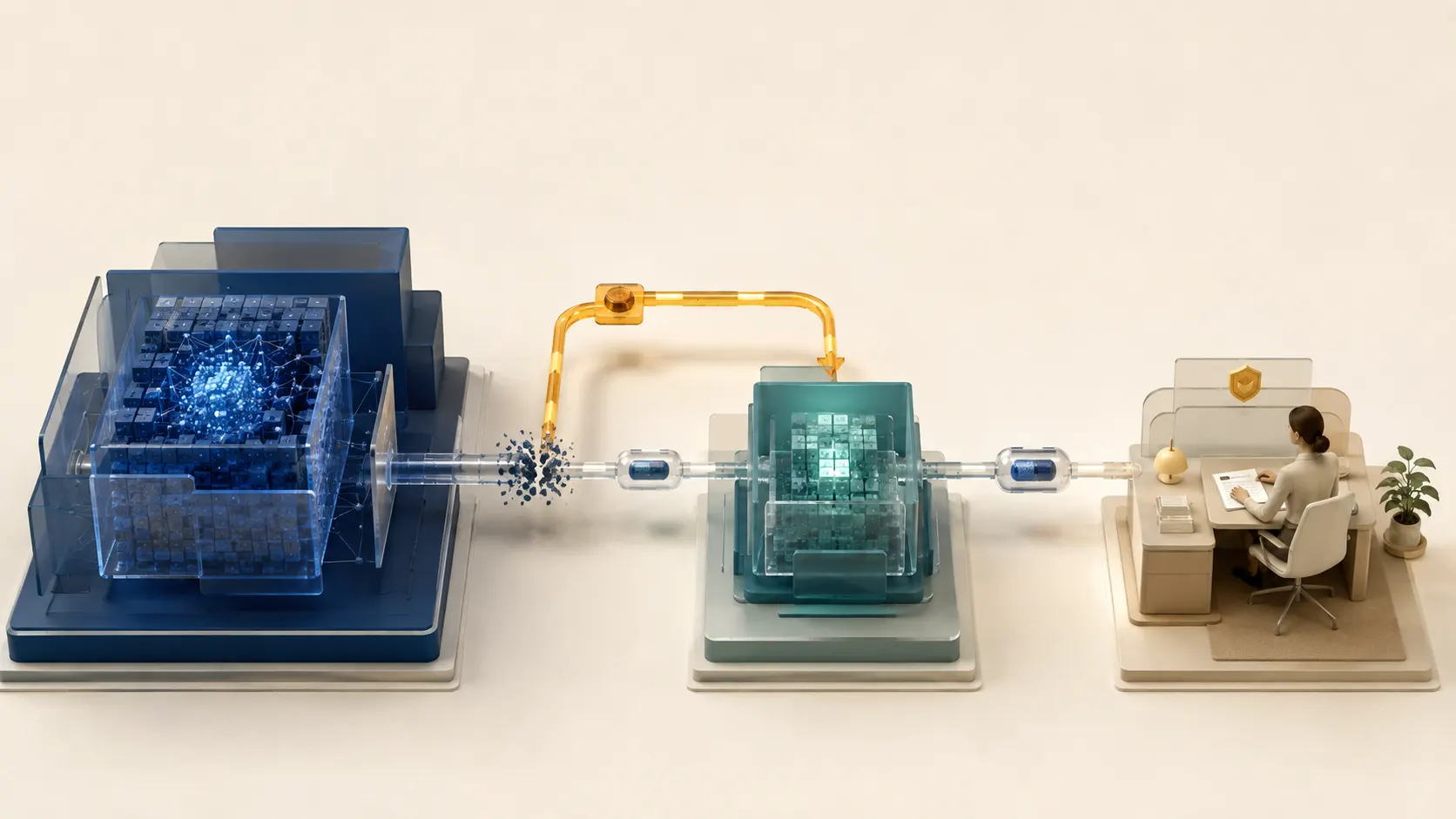
When the Strongest Model Is Unavailable: Graceful AI Degradation
If the strongest model disappears, a working endpoint is not enough. A less capable reserve must not inherit the same authority.
Explore five operating modes, portable context and realistic human oversight, then use the linked implementation playbook.
Practical guide
AI Continuity Ladder: A Graceful Degradation Playbook
Turn AI continuity into an operating plan with capability passports, Context Capsules, review capacity and a tested recovery path.
Use the task and authority matrices, incident runbook, game-day scenarios and acceptance checklist.

Practical guide
Should You Use a Telegram Bot for AI Automation?
Telegram can be a useful command and notification channel, but complex AI work also needs persistent state, versioned artifacts, clear approvals and operational visibility.
See when chat is enough, when it creates friction, and how to combine a bot with a reliable business workspace.

Analysis
AI Agent Authority: Let the System Act Without Losing Control
An AI agent needs a bounded identity, minimum permissions and approvals that match the consequences of each action.
Use the permission-envelope model to connect intent, access, audit, stopping and recovery before autonomy reaches production.
Analysis
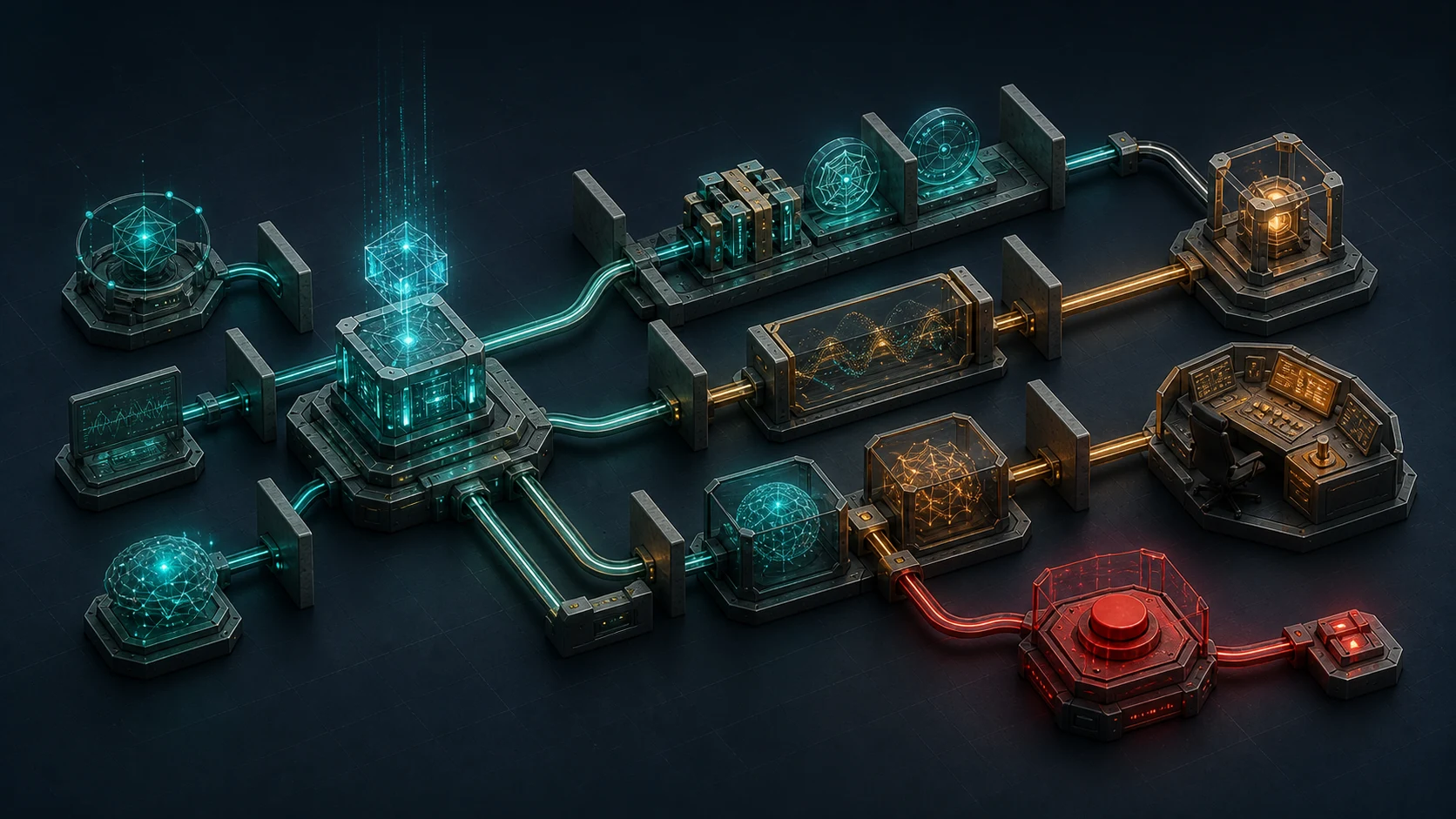
Multi-stage AI-agent control: authority, accountability and independent oversight
Reliable agent control is both multi-level and multi-stage: deterministic interlocks, independent AI controllers, accountable humans and watchdogs must cover the trajectory from change admission to recovery.
Use the A · C · S · I · R · M card and the L0–L5 × T0–T6 matrix to decide where maths, classical ML, an AI agent or a person should control each action.

Analysis
Does This Process Need an AI Agent? Choose Between Rules, Automation and Autonomy
Rules, an AI assistant, a bounded agent and a multi-agent system solve different kinds of process uncertainty.
Use the decision ladder to choose the smallest level of autonomy that can remove a measurable bottleneck.
Analysis
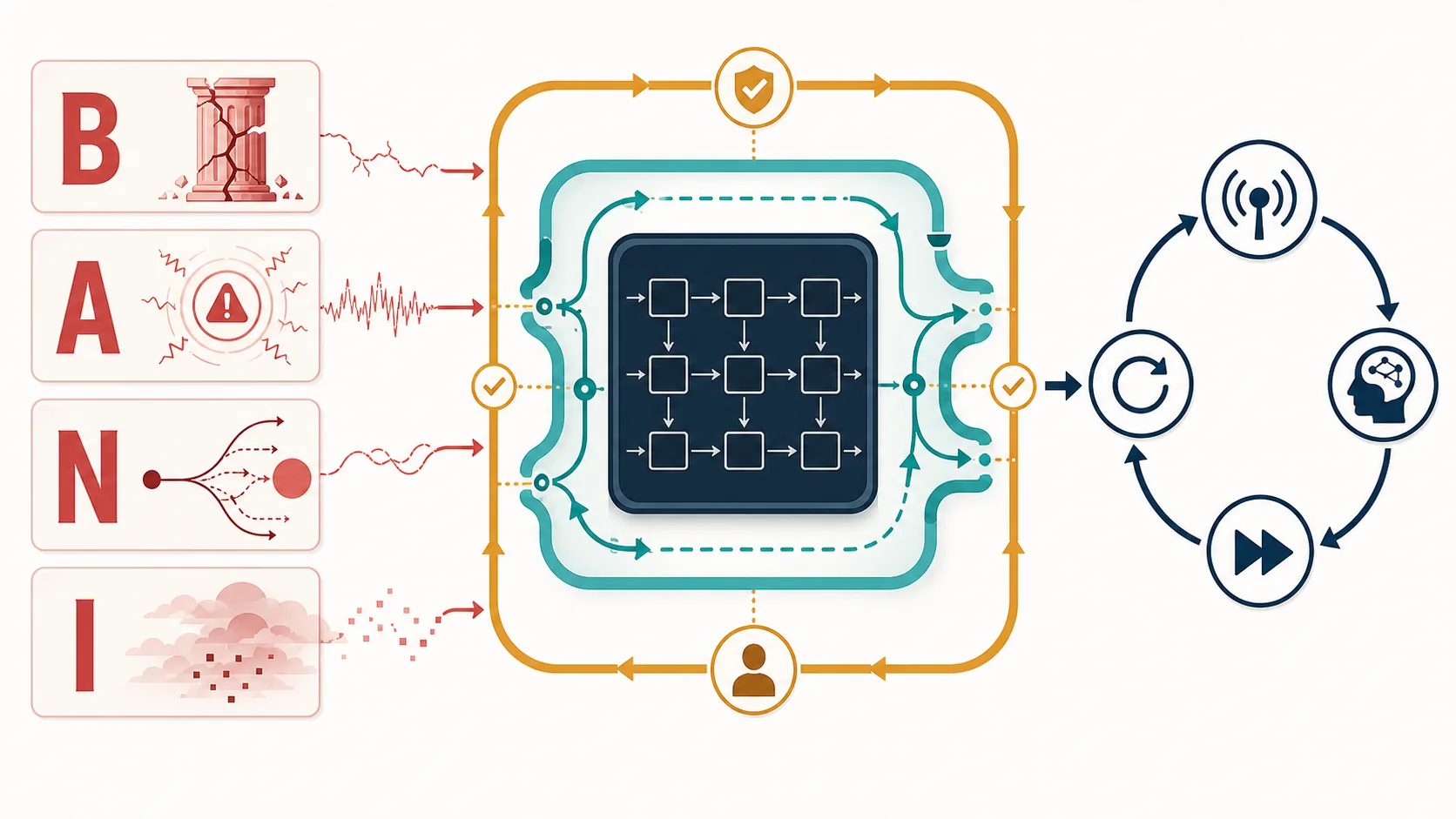
Flexible automation in a BANI world: where AI can improve resilience
BANI exposes where an efficient workflow can still be brittle, anxious, nonlinear or difficult to explain.
See how a deterministic core, an adaptive AI layer and governed feedback create flexibility without turning the model into a new point of failure.
Practical guide
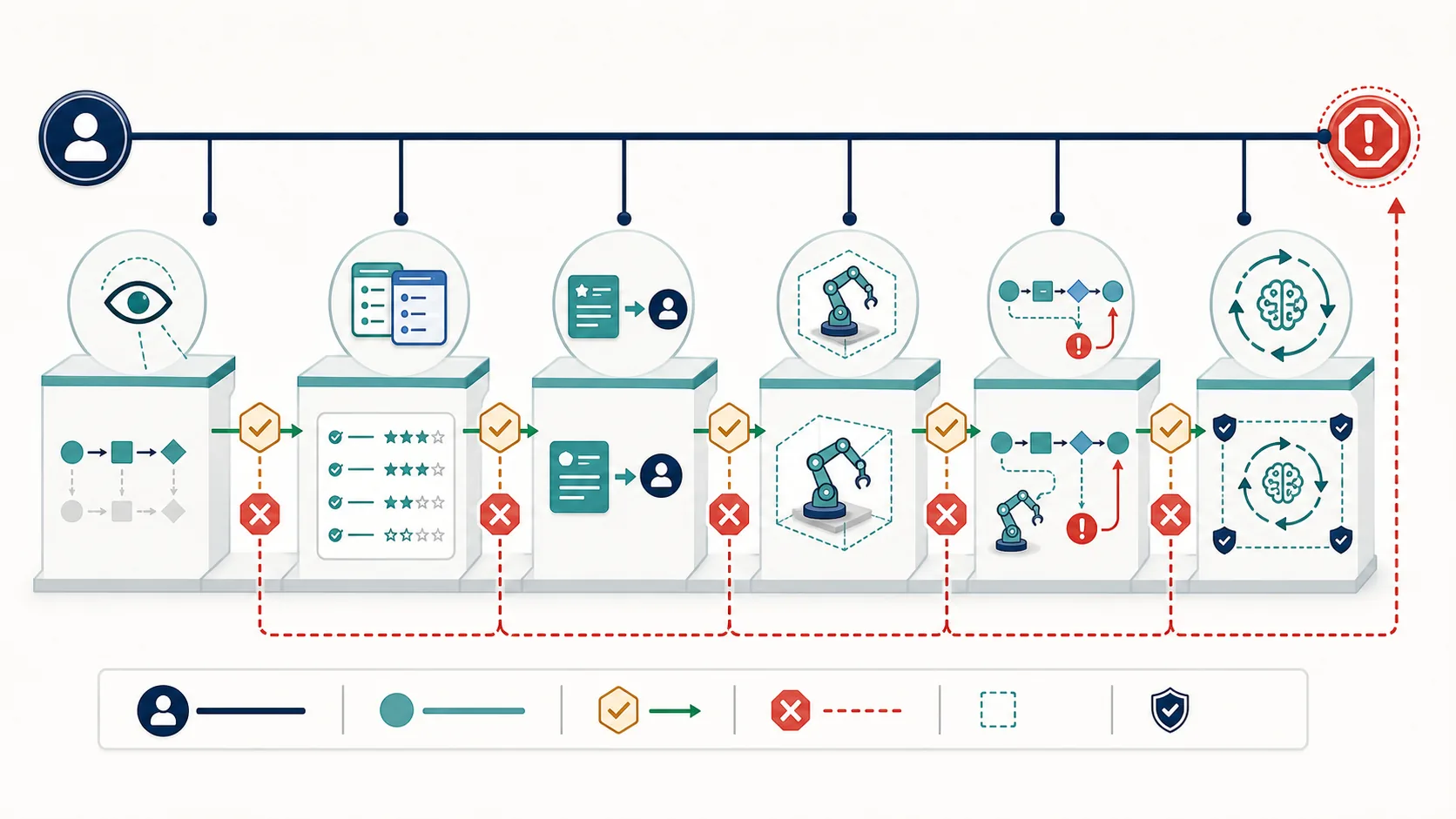
From observation to action: a safe path to AI autonomy
AI authority can grow through observation, shadow evaluation, recommendations and bounded execution.
Use measurable quality gates to decide when a workflow is ready for the next level—and when autonomy should decrease.
Practical guide
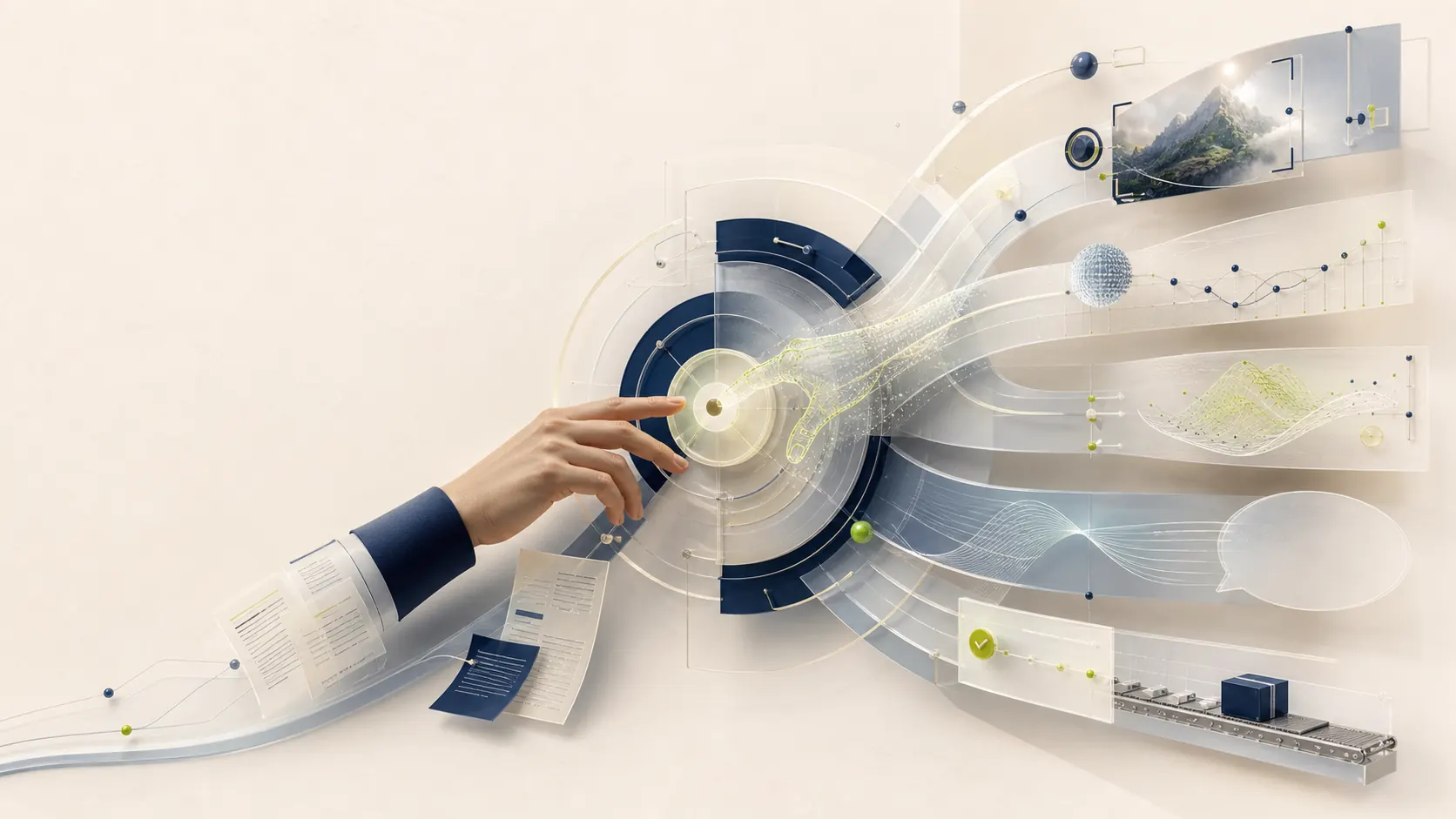
Not every AI automation needs an LLM: choose the right system and authority level
Computer vision, prediction, optimisation, language models and agents solve different parts of a business workflow.
Use the two-axis map to select the right technical role and the minimum authority the complete system should receive.

Analysis
What Does an AI Case Actually Prove?
A case can prove that a system exists without proving that it caused a business result or that the result will transfer to your context.
Use the evidence ladder to trace the source, baseline, intervention, quality, cost and limits before borrowing, replicating or scaling a pattern.

Practical guide
Who Owns an AI System After Launch?
An AI workflow needs clear business, operational, technical, data, quality and incident ownership after the prototype starts working.
Create an operating contract that connects monitoring, human handoff, fallback, change control and a tested recovery path.
- Workflow diagrams
- Prototypes and implementation notes
- Decisions about human control and fallback behaviour
- Useful failures and what changed after testing
- Measurable results when enough evidence is available
Frequently asked questions
Practical questions before a workflow review
Is every repetitive process a good candidate for AI?
No. Some processes should use simple rules, conventional automation or no automation at all. We recommend AI only when it adds useful flexibility or understanding.
Can you work with our existing software?
Often, yes. We start by reviewing the systems already in use and the integration options they provide. Replacing the entire stack is rarely the first recommendation.
Will the system make decisions without our team?
That depends on the risk of the action. Critical prices, commitments, payments, legal decisions and sensitive customer situations should have appropriate human approval.
How quickly can we test an idea?
A focused prototype can often be tested within one to two weeks after the workflow, data access and success criteria are agreed. Larger integrations require a separate scope.
What happens after launch?
We can provide ongoing monitoring and support. AI models, APIs, prompts, integrations and business rules change, so a production system needs a clear owner and maintenance plan.
How much does an AI system cost?
Cost depends on the workflow, integrations, data quality, risk level and required support. We begin with a workflow review so the estimate is based on the real process rather than a generic package.
Do we need to prepare our data first?
Not always. The review identifies which information is available, what is missing and whether the current data is sufficient for a safe prototype.
Do you provide an AI tool or a complete workflow?
The focus is the complete working process: inputs, rules, integrations, AI assistance, human approvals, logs, fallback and ongoing ownership.
Improve one real workflow
Request a workflow review
Show us how the process works today. We will help determine whether it should be automated, improved with simpler tools—or left alone.
Prefer to start with the methods?
Explore practical business tools before defining a system.